![Incra_logo.png]](https://support.incragroup.com.au/hs-fs/hubfs/Incra_logo.png?width=150&height=67&name=Incra_logo.png)
- The first step in applying for a director ID number is to set up your myGovID. Refer to the article "How do I set up myGovID?" if you haven't already got it set up. Unfortunately, no one can set up your myGovID on your behalf.
- Ensure that your identity strength on myGovID is Strong - this is necessary to apply for a director ID number. To get a strong identity strength, you will need to enter the details from your passport and another identification document such as a birth certificate or driver's licence. For more details on verifying your identity, click here.
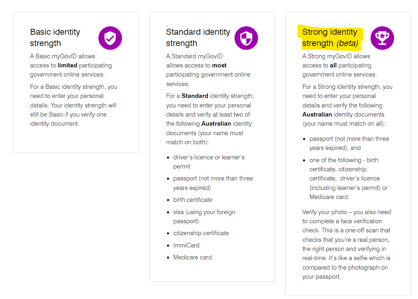
- Ensure that your identity strength on myGovID is Strong - this is necessary to apply for a director ID number. To get a strong identity strength, you will need to enter the details from your passport and another identification document such as a birth certificate or driver's licence. For more details on verifying your identity, click here.
- Once your myGovID is set up, click here to apply for a director ID number.
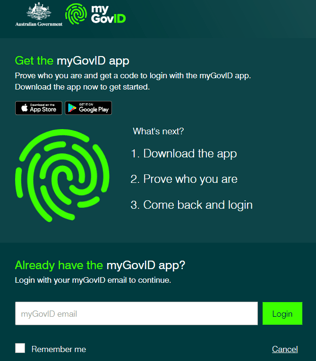
- Enter the email address you used to set up your myGovID. You will need to open the app on your phone and accept the login request or enter the 4-digit code provided.
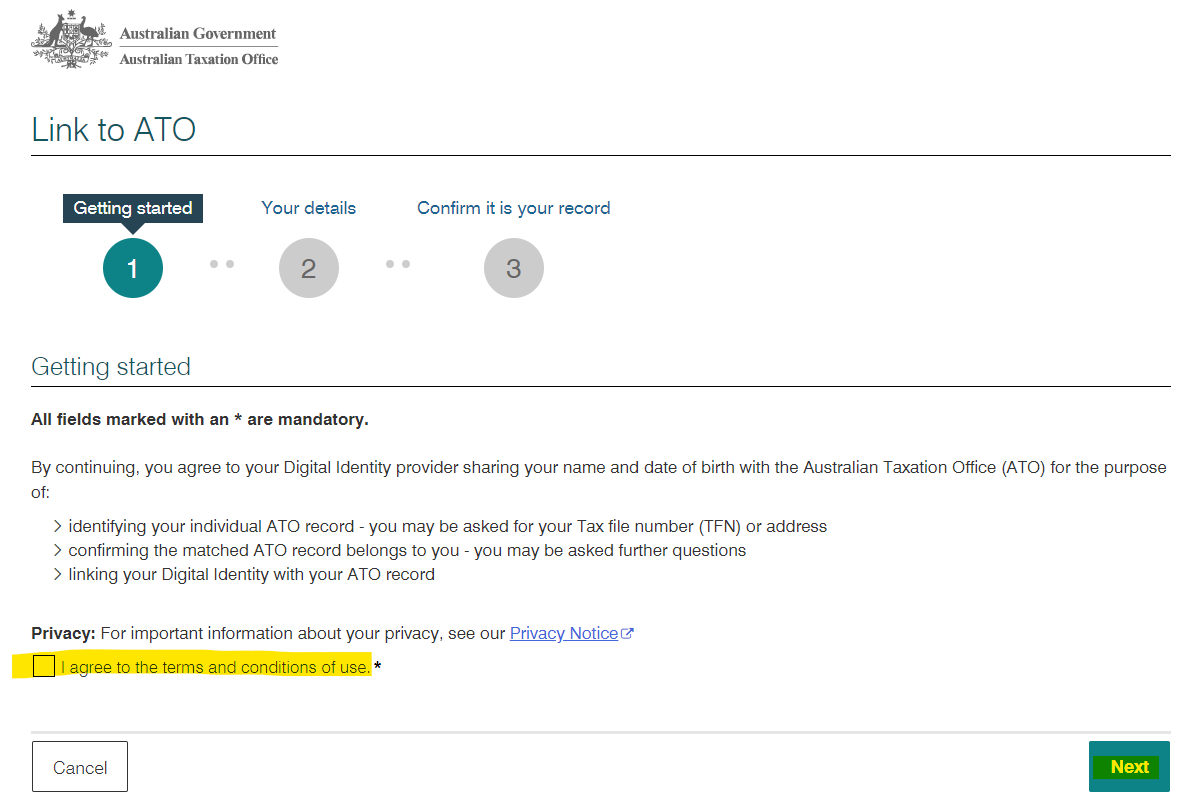
- Select the tick-box to accept the T&Cs of linking your identity to the ATO, then click 'Next'. If you're unable to proceed at this point, you will need to call the Australian Business Registry Services on 13 62 50 to request assistance.
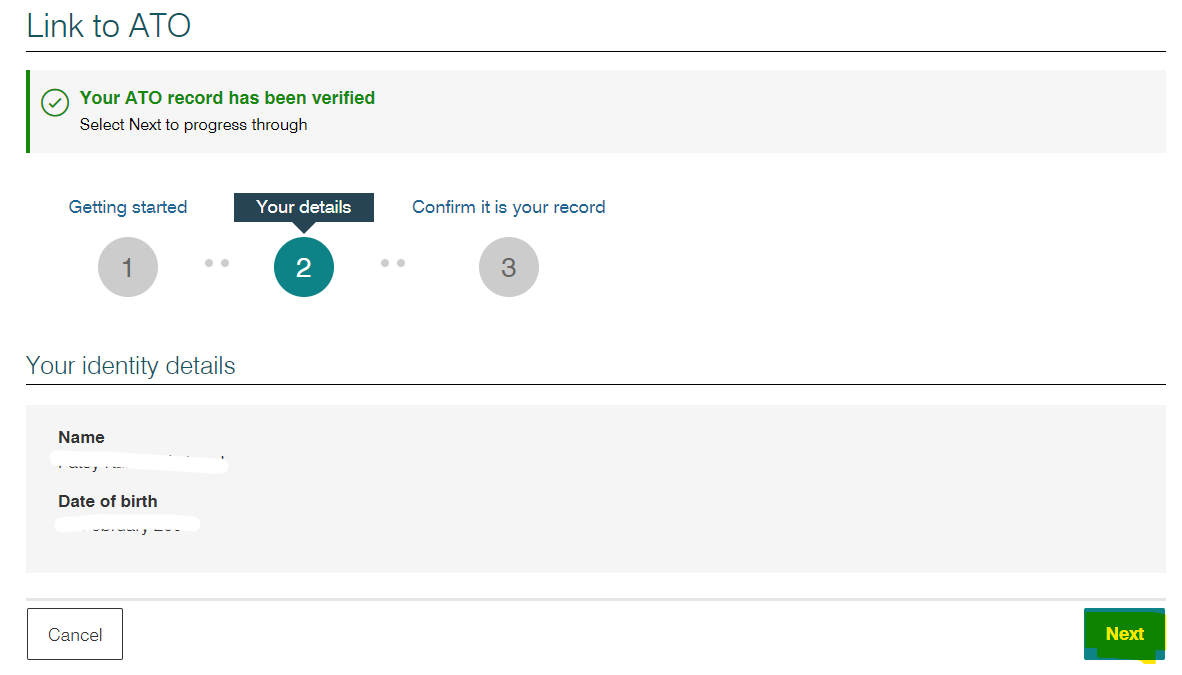
- Check that the details displayed are correct, then select 'Next' again.
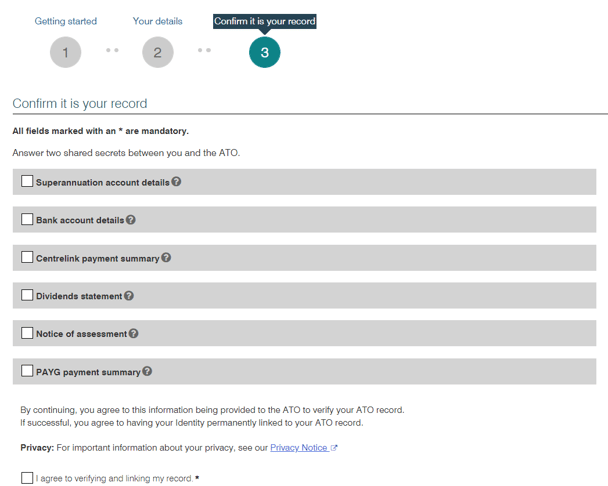
- Enter the details for 2 of the options provided, click the tick box to verify your records and select 'Submit'.
- Enter the email address you used to set up your myGovID. You will need to open the app on your phone and accept the login request or enter the 4-digit code provided.